
Table of Contents
ToggleIntroduction: What Happened to the Empty White Page?
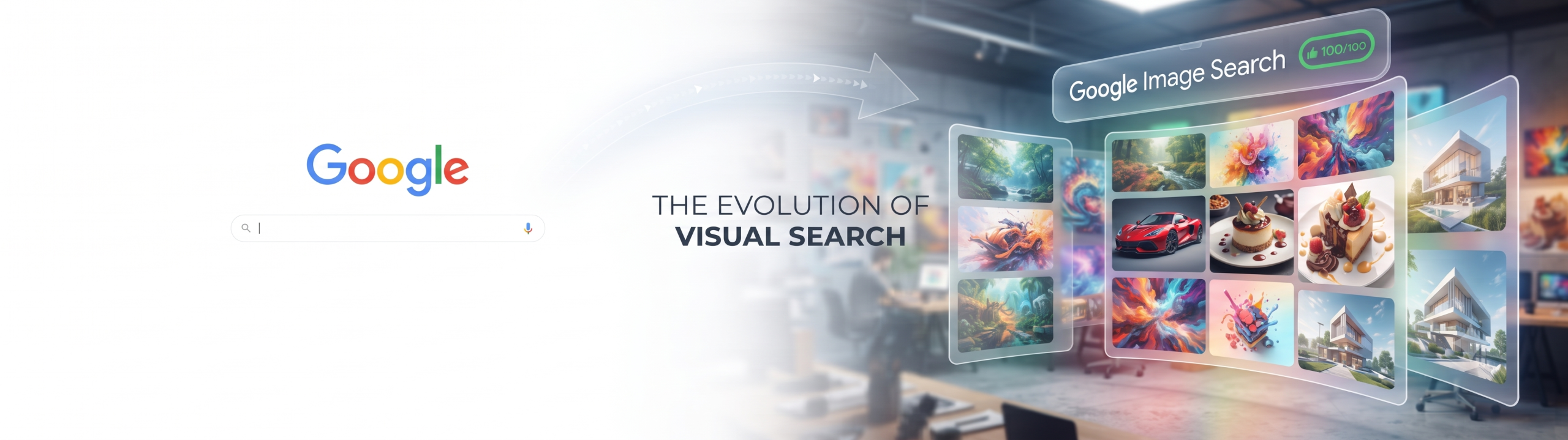
Google Image Search has changed dramatically, and to understand it, imagine waking up, walking into your favorite kitchen, and finding out that the walls, the counter, and the refrigerator have completely changed overnight! For nearly twenty-five years, whenever you typed images.google.com into your web browser, you were greeted by a very simple, clean white screen. There was the classic colorful Google logo, a blinking cursor inside a single search box, and nothing else.
It was plain. It was quiet. It was empty until you typed something into it.
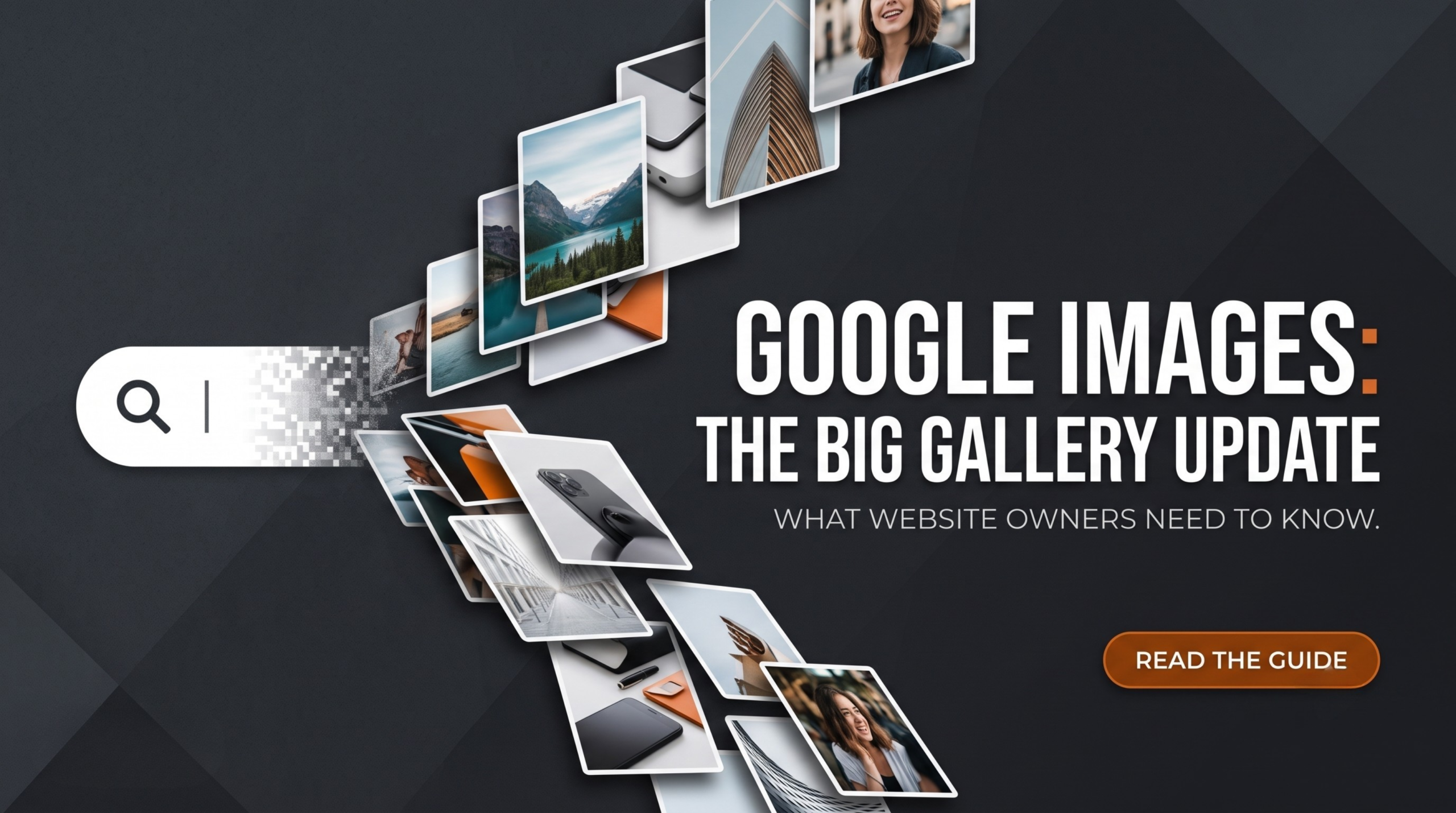
Today, that clean search box is gone from the main landing page. In its place, Google has rolled out a brand-new, lively, and immersive gallery of images pulled from all across the wide World Wide Web.
Why did Google do this? How does it affect the way we search for pictures, look up information, and run websites? And most importantly, what does this mean for Search Engine Optimization (SEO) and Generative Engine Optimization (GEO)?
Grab a snack, get comfortable, and let’s explore this massive change together in a way that is super easy to understand—even if you are just learning how the internet works!
Chapter 1: The Evolution of Google Images (From 2001 to 2026)
To understand why this new update is such a massive deal, we have to look back at how we used to find pictures online.
Back in the early days of the internet, finding a good picture was like searching for a single toy inside a giant, messy attic. You had to type exact words, hope the website owner labeled their files correctly, and wade through blurry, tiny thumbnails.
Why Google Created Image Search
In 2001, Google noticed that people weren’t just searching for text articles—they were constantly looking for pictures of things like Jennifer Lopez’s famous green dress at the Grammy Awards. To solve this, Google launched Google Images.
For a quarter of a century, the formula stayed mostly the same:
- You open images.google.com
- You see a blank white page.
- You type a keyword (like “cute puppies” or “red sports car”).
- A grid of pictures pops up.
The 25th Anniversary Makeover
Fast-forward to today, celebrating its 25th milestone, Google decided that a blank white page felt too old-fashioned. In an era where platforms like Pinterest, TikTok, and Instagram show us gorgeous, endless feeds of visual inspiration the second we open them, Google wanted to catch up.
Instead of waiting for you to type a search query, the new Google Images homepage welcomes you with a dynamic visual stream. It acts less like a cold tool and more like an art gallery curated specifically for your tastes.
Chapter 2: Breaking Down the New Google Image Search Features
What does the new experience actually look and feel like? Let’s break down the core components of this update:
- The Immersive Gallery Feed: When you land on the page now, you are met with a continuous stream of stunning, high-quality images from different blogs, news sites, and online stores.
- The Relocated Search Bar: Don’t worry—you can still search! Google didn’t remove the search function; they just moved it to the top of the page, hovering over the new picture gallery.
- Intelligent Personalization: According to Brad Kellet, Senior Engineering Director for Search, this new homepage feed is smartly tailored to match your unique interests. If you love baking cakes, fixing bicycles, or traveling to mountains, your gallery will start reflecting those passions.
- Collections and Saving Tabs: You can now easily save ideas and group them into digital folders or tabs right inside Google Images, making it a powerful tool for planning projects, school reports, or dream vacations.
Chapter 3: What is SEO and GEO? (The Secret Language of the Internet)
Before we talk about how website owners must adapt to this change, let’s quickly define two very important terms mentioned in our growth aesthetic: SEO and GEO.
What is SEO?
SEO stands for Search Engine Optimization. Think of SEO as the rules of a giant library. If you write a book and want people to find it, you need to put it on the right shelf, give it a clear title, and make sure the librarian knows what it is about. In the digital world, SEO is how website creators make their pages show up near the top when someone searches on Google.
What is GEO?
GEO stands for Generative Engine Optimization. This is a newer cousin of SEO. Today, people don’t just use traditional search bars; they use AI tools, chat assistants, and smart visual engines that generate or synthesize answers on the fly. GEO is all about making sure your content is clear, structured, and authoritative enough that AI models and modern recommendation engines choose to display your brand.
Chapter 4: How the New Image Update Impacts Website Owners and Creators
If you run a blog, a recipe site, an art portfolio, or an online shop, this update changes the rules of the game. Here is why you should care:
1. From Intent-Driven to Inspiration-Driven Traffic
In the past, people only went to Google Images when they had a specific target in mind (e.g., “Show me a picture of the Eiffel Tower”). Because of that, they typed a strict keyword.
Now, with an immersive homepage gallery, users are browsing without typing anything first. They are scrolling for inspiration. If your website’s images are eye-catching, unique, and visually striking, they might catch the eye of a casual browser who wasn’t even searching for your specific brand yet!
2. The Rise of “Visual Semantics”
Google’s systems are getting smarter at understanding what is inside an image—not just from the file name, but from the actual pixels and the context of the surrounding text. This is what experts call visual semantics. If you post generic, boring stock photos, Google’s AI will ignore them. If you post authentic, high-resolution, original photos, you have a much higher chance of being featured in personalized feeds.
Chapter 5: Step-by-Step Guide to Optimizing Your Website for the New Visual Era
Want to make sure your website doesn’t get left behind in this new visual-first internet? Follow these simple, powerful optimization steps:
Step 1: Use High-Quality, Original Imagery
Stop relying entirely on cheap, overused stock photos that look like everyone else’s. Take your own photos, design unique graphics, or create custom illustrations. Authentic visuals stand out in a crowded gallery feed.
Step 2: Master Alt Text and File Names
Google’s robots cannot “see” an image the way humans do; they read text descriptions.
- Bad file name:
img_1234.jpg
- Bad file name:
- Good file name:
red-velvet-birthday-cake.jpg
- Good file name:
- Alt Text: Always write a simple, descriptive sentence explaining what is in the picture so screen readers and search engines understand it.
Step 3: Optimize for Speed and Mobile Devices
A gorgeous image is useless if it takes ten seconds to load. Compress your image files so they load instantly. Since many users browse galleries on their phones or tablets, your site must look amazing on small screens.
Step 4: Build Topical Authority
Google wants to send users to experts. If your website is about gardening, every image, article, and caption you publish should tie back to gardening. This builds deep topical authority, signaling to Google that your entire domain is a trustworthy source of visual and written knowledge.
Chapter 6: Frequently Asked Questions (FAQ)
Can I still use the old clean Google Images homepage?
No, the classic minimalist landing page has been replaced globally with the new gallery layout for signed-in desktop users.
Do I have to pay to get my images into the new Google Images gallery?
No! Organic placement in Google Images is entirely free. It is earned through great content, proper optimization, and user engagement.
How does this affect my website’s traffic?
Some publishers might see shifts in traffic as users spend more time browsing inside Google’s own immersive feeds before clicking through. However, it also opens up brand-new pathways for discovery if your images capture attention in personalized recommendations.
Conclusion: Embrace the Visual Shift
The internet is changing right before our eyes. The days of the simple, boring white search box are fading away, replaced by vibrant, personalized, AI-driven galleries that inspire us from the moment we open our browsers.
For website owners, bloggers, and creators, this isn’t a reason to panic—it is an incredible invitation to get creative. By focusing on stunning original photography, smart SEO practices, and clear visual storytelling, you can turn this massive Google update into your biggest growth opportunity yet!